Today’s tasks,
and the things you want to do.
Tasks and goals side by side, so the moment you open it you know where to continue.
Get Cami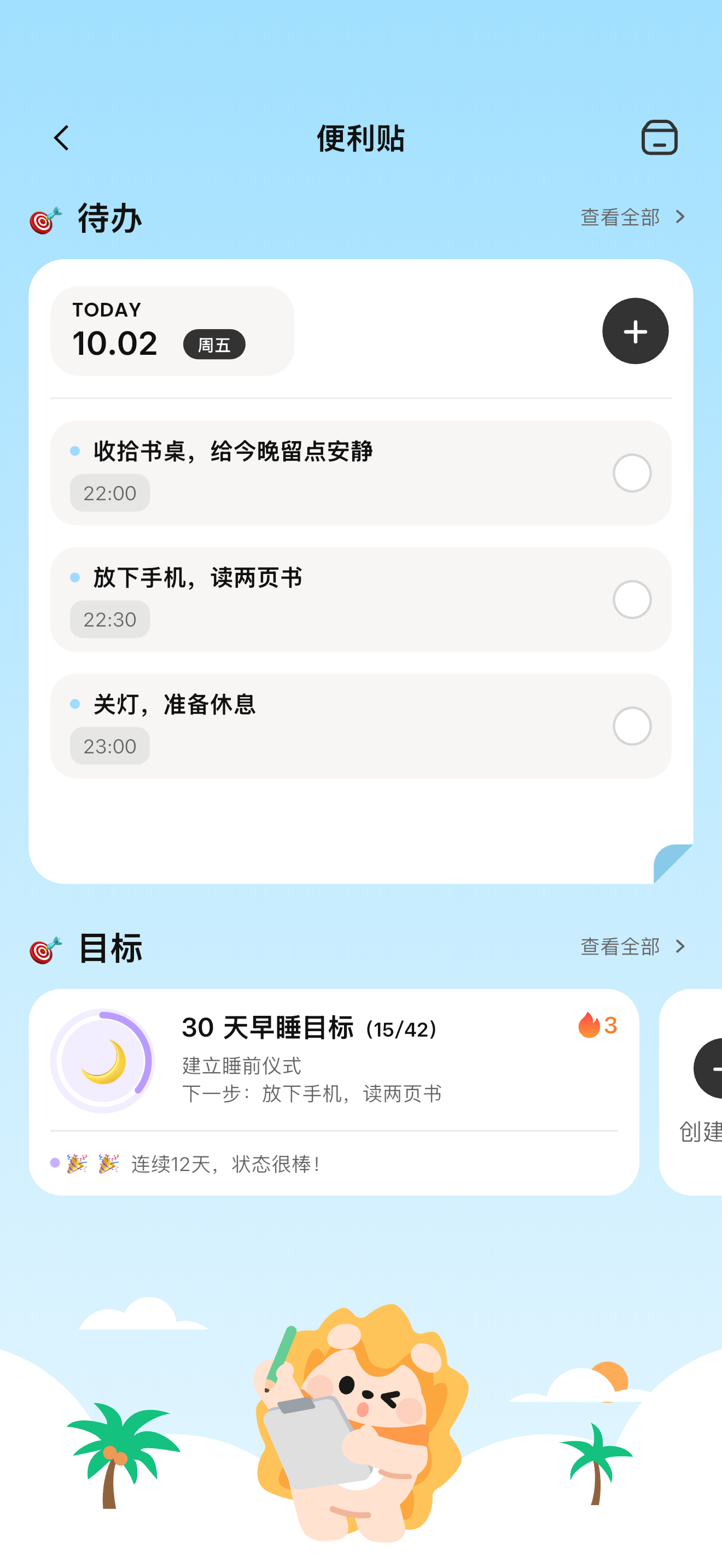

See today’s plan clearly
Start with the tasks that have a time attached: check what to do and when to begin. When something is done, update the real progress so the page keeps up with what you actually did.
Pick goals back up
Goals hold the longer direction; tasks carry the concrete moves. When you do not know what to do first, open the goal details to see the plan and the next step.
Choose by the time you have
Factor in the time you have and real-world limits, then choose one small thing you can start. The workspace gives you one place to see it all; what to trade off is still up to you.
Keep reading
Cami workspace: today’s tasks and moving goals, side by sideBring your ideas back to today.
Start with Cami, one small thing at a time.